


Immersive training is rapidly becoming a core strategy for organizations looking to improve learning outcomes, reduce risk, and scale workforce readiness. As companies adopt immersive learning, one critical question continues to surface:
Is browser-based immersive training or VR training better?
The answer depends on your training objectives, audience, and scale—but the most effective programs often combine both. In this article, we’ll compare browser-based immersive training vs. VR training, explore their strengths and limitations, and explain how modern platforms like Facilitate make it easy to deploy both from a single solution.
What Is Browser-Based Immersive Training?
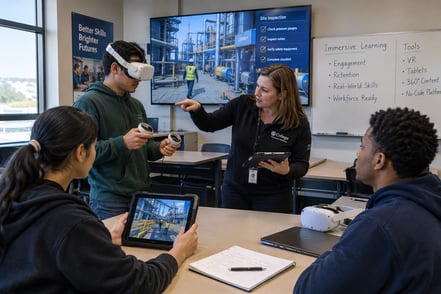
Browser-based immersive training delivers interactive, scenario-based learning experiences through a standard web browser. Learners explore virtual environments, identify hazards, and make decisions without needing a VR headset.
This approach is often referred to as:
- Web-based immersive learning
- Desktop immersive training
- 3D browser-based training
Benefits of Browser-Based Immersive Training
1. Maximum Accessibility and Reach
Because browser-based immersive training runs on existing devices, organizations can deploy training instantly across large, distributed teams—no hardware required.
2. Faster Deployment and Updates
Training modules can be launched, updated, and scaled quickly, making this approach ideal for:
- Onboarding programs
- Compliance and regulatory training
- Policy and procedure updates
3. Cost-Effective Immersive Learning
Browser-based training lowers the total cost of ownership by eliminating headset procurement, storage, and maintenance.
4. Ideal for Awareness and Decision-Based Training
Common use cases include:
- Safety and hazard awareness
- Site tours and virtual inductions
- Process walkthroughs
- Scenario-based decision-making
Limitations of Browser-Based Training
- Lower sense of physical presence compared to VR
- Limited muscle memory development
- Less effective for hands-on, spatial tasks
What Is VR Immersive Training?
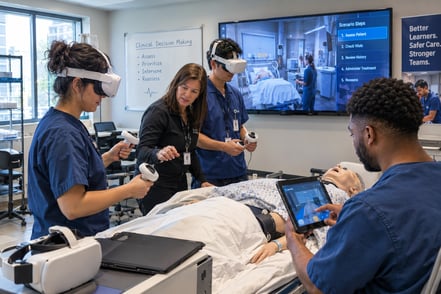
VR immersive training places learners inside a fully virtual environment using a headset. Learners can move, interact with equipment, and practice tasks in a highly realistic, simulated setting.
Benefits of VR Training
1. High Immersion and Presence
VR creates a strong sense of realism that increases engagement, emotional connection, and knowledge retention.
2. Safe Training for High-Risk Scenarios
VR is especially effective for:
- Safety-critical tasks
- Emergency response and drills
- Equipment and machinery training
- Hazardous environment simulations
3. Hands-On Skill Development
VR supports physical interaction and repetition, helping learners build muscle memory and spatial awareness.
4. Improved Confidence and Performance
Learners can practice complex or dangerous tasks repeatedly before performing them in the real world—without risk.
Limitations of VR Training
- Requires headset hardware
- Smaller concurrent learner groups
- More planning for deployment and device management
Browser-Based vs. VR Immersive Training: Key Differences
|
Feature |
Browser-Based Immersive Training |
VR Immersive Training |
|
Hardware Required |
None |
VR Headsets |
|
Accessibility |
Very High |
Moderate |
|
Level of Immersion |
Moderate |
Very High |
|
Scalability |
Excellent |
Limited by hardware |
|
Best for Awareness & Knowledge |
✅ |
⚠️ |
|
Best for Hands-On Skills |
⚠️ |
✅ |
|
Cost to Deploy |
Lower |
Higher |
Which Immersive Training Method Is Better?
There is no single “best” immersive training method.
Browser-based immersive training is better when:
- You need to train large or remote audiences
- Speed and scalability are critical
- Training focuses on awareness, compliance, or decision-making
VR immersive training is better when:
- Tasks are high-risk or safety-critical
- Learners need hands-on practice
- Spatial awareness and muscle memory matter
The Best Approach: Blended Immersive Training
High-performing organizations don’t choose between browser-based or VR—they combine them.
A blended immersive training strategy often looks like this:
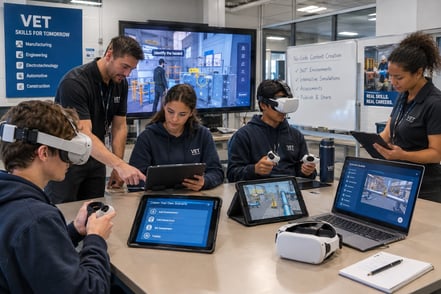
- Browser-based immersive training for onboarding, awareness, and foundational knowledge
- VR training for hands-on practice, simulations, and mastery
This approach maximizes learning impact while controlling costs and scaling efficiently.
How Facilitate Supports Browser-Based and VR Training
Facilitate is an all-in-one immersive training creation platform that enables organizations to create, deploy, and scale both browser-based and VR immersive training from a single solution.
With Facilitate, L&D and safety teams can:
- Create immersive training without coding or developers
- Deploy training via browser or VR headsets based on the use case
- Empower subject matter experts to build and update content
- Scale immersive learning across onboarding, safety, compliance, and operations
By supporting multiple delivery methods, Facilitate allows organizations to match the right level of immersion to the right training objective—without added complexity.
Final Thoughts: Choosing the Right Immersive Training Strategy
Immersive training isn’t about choosing the most advanced technology—it’s about choosing the most effective one.
The best immersive learning programs:
- Align training modality with real-world performance goals
- Balance immersion, accessibility, and scale
- Use flexible platforms that support both browser-based and VR training
By combining browser-based immersive training with VR—and using platforms like Facilitate to manage both—organizations can deliver safer, faster, and more effective training at scale.
Book a demo today to learn how you can get started with immersive training creation.

Comments